
IPTV USA · EN / ESPrices in USD, no contract
IPTV service in the USA: live TV, sports and movies on every screen.
One IPTV subscription for your Smart TV, Firestick, phone and laptop, with live TV, sports, movies and series. Set up in about 10 minutes, with help in English and Spanish.
- Smart TV
- Fire TV
- Android TV
- Apple
- Phones
- PC / Mac
- MAG
- No contract
- 30-day money-back guarantee
- Secure payment
- 24 h Free trial, 1 device
- 1–5 Screens at the same time
- 4K HD and 4K where available
- Minutes From payment to watching
- 24/7 Support in English & Spanish
Great reasons to switch
- Live sports
- Breaking news
- Binge-worthy series
- Movies on demand
- Kids and family
- TV en español
- International channels
- Documentaries
- Music and radio
- 4K Ultra HD
- Up to 5 screens
- No contract
What is IPTV and how do you watch it at home?
IPTV is live TV, movies and series streamed over the home internet you already pay for. With TVStreamLab there’s no cable box and no technician: you add a player app to your Smart TV, Firestick, phone or laptop, enter the login we email you, and everything is sorted into one guide.
What you get with TVStreamLab
- No box, no contract: prepay 1, 3, 6 or 12 months, then decide again.
- Up to 5 screens at once, so everyone in the house watches their own thing.
- A 24-hour free trial on your own TV before you pay anything.
- Set up in about 10 minutes with a guide for each device.
- Help 24/7 in English and Spanish by WhatsApp and email.
- Card or Klarna checkout and a 30-day money-back guarantee.
Sports
How can I watch live sports without cable in the US?

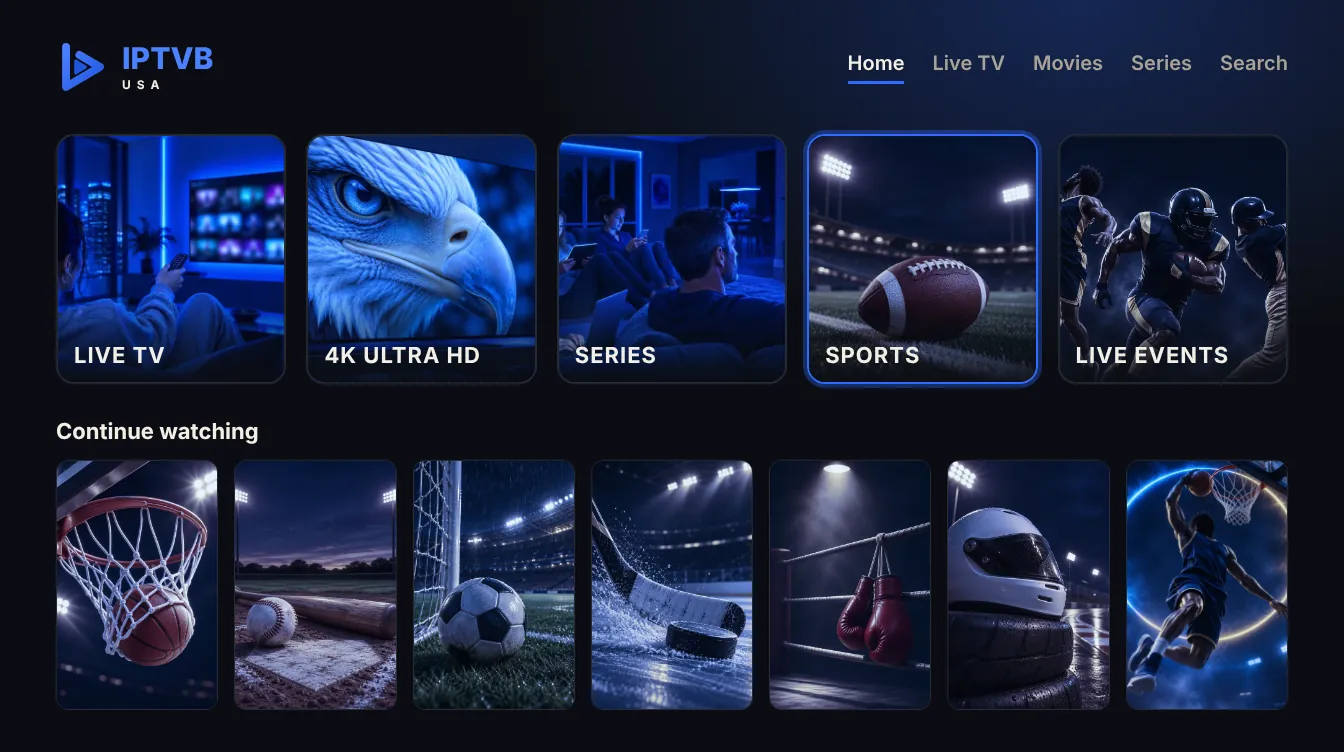
With TVStreamLab: one sports section with basketball, football, baseball, soccer, hockey, fight nights and motorsports, live and in HD or 4K where available. It streams over your home internet, so you watch on the big screen or on your phone, with no cable box and no contract.
What’s on changes from week to week. Use the 24-hour free trial to check the sports you follow.
-
 Basketball
-
 Football
-
 Baseball
-
 Soccer
-
 Hockey
-
 Boxing and MMA
-
 Motorsports
What can I watch with IPTV in the US?
With TVStreamLab: live TV, sports, news, movies and series, sorted into 12 categories, including American TV and its own Spanish-language section.
- Live TV
- American TV
- TV en español
- Sports
- News
- Movies
- Series
- Kids and family
- International
- Documentaries and lifestyle
- Music and radio
- 4K Ultra HD
Line-ups change over time and depend on your plan.
Which channels does IPTV include?
TVStreamLab sorts live TV into categories: American TV, news, sports, kids, movies, series, Spanish-language and international. Line-ups change over time, so the 24-hour free trial is the best way to see what’s included.
Is there TV in Spanish?
Yes. There’s a Spanish-language section with live TV, movies and series, and our support team answers in Spanish too.
Are movies and series on demand included?
Yes. Every plan includes a library of movies and series you can start any time, alongside live TV.
Is there something for kids?
Yes, a kids and family category. Many player apps also let you lock categories with a parental PIN.
Is everything in 4K?
No. 4K plays where the source offers it; the rest plays in HD or SD. Plan on about 25 Mbps per screen for 4K.
Can I watch international channels?
Yes, there’s an international category. What’s in it depends on the source and can change over time.
On your favorite devices
Which devices can I use IPTV on?
Almost any screen: Firestick, Android TV, Apple TV, iPhone and iPad, Samsung, LG and Hisense smart TVs, MAG boxes and computers. On a Roku TV, plug in a Fire TV or Google TV stick. Choose your device for the setup steps.


Works with the player apps you already know
- IPTV Smarters Pro
- TiviMate
- IBO Player
- GSE Smart IPTV
- VLC
Compare IPTV apps · App names belong to their owners. TVStreamLab isn’t affiliated with them.
Plans
How much is an IPTV subscription per month?
With TVStreamLab, $19.99 for a single month, or $109.99 for 12 months, about $9.17 a month, paid once. No box to rent, no contract and no installation fee.
- 1 to 5 screens
- Card or Klarna
- 30-day money-back guarantee

Pricing
Which IPTV subscription plan is right for you?
Every plan has the same features. Pick the number of screens, then a term: the longer the term, the lower the monthly price.
1 month
- Live TV, movies & series
- HD, Full HD & 4K where available
- Full TV guide (EPG)
- Works on all your devices
- EN/ES support 24/7
- Free app updates
- Setup in minutes
- 30-day money-back guarantee
3 months
- Live TV, movies & series
- HD, Full HD & 4K where available
- Full TV guide (EPG)
- Works on all your devices
- EN/ES support 24/7
- Free app updates
- Setup in minutes
- 30-day money-back guarantee
6 months
- Live TV, movies & series
- HD, Full HD & 4K where available
- Full TV guide (EPG)
- Works on all your devices
- EN/ES support 24/7
- Free app updates
- Setup in minutes
- 30-day money-back guarantee
12 months
- Live TV, movies & series
- HD, Full HD & 4K where available
- Full TV guide (EPG)
- Works on all your devices
- EN/ES support 24/7
- Free app updates
- Setup in minutes
- 30-day money-back guarantee
FREE FOR 24 HOURS
Can I try IPTV free before I pay?
Yes. TVStreamLab gives you 24 hours free on one device, with no card needed. Install the app, sign in with your trial login, check the picture at your busiest hour and ask support anything. If it’s not for you, just let it expire.
- Pick your screen: Smart TV, Firestick, Android TV, iPhone, Android, Windows or Mac
- Follow one guide: setup steps for each device
- Ask anything: support in English and Spanish
- Then decide: 1 to 12 months, by card or Klarna
Your 24-hour trial
- Live TV, movies and series, Spanish-language section included
- One device for 24 hours
- The same guides and support as paying customers
- No commitment, no card needed
Cable vs IPTV: what changes when you switch?
With cable you rent a box for each TV and often sign a 1–2 year contract. With TVStreamLab you stream on devices you already own, pick a term from 1 to 12 months, and watch on up to 5 screens. The trade-off: you need steady internet, about 10 Mbps per screen for HD and 25 Mbps for 4K.
| TVStreamLab | Typical cable TV | |
|---|---|---|
| Hardware | Nothing to rent: apps on your TV, stick, phone or laptop | A rented box for each TV |
| Commitment | None: prepay 1, 3, 6 or 12 months | Often a 1–2 year contract |
| Screens at once | 1 to 5, you choose | Usually one per box |
| Monthly cost | From $9.17/month on the 12-month plan | Depends on provider, package and fees |
| Try before you buy | 24-hour free trial | Rarely offered |
| Getting set up | About 10 minutes, on your own | Install appointment or box pickup |
| Support languages | English and Spanish, 24/7 | Varies by provider |
Why TVStreamLab
What do you get with an IPTV subscription?
-
Live and on demand
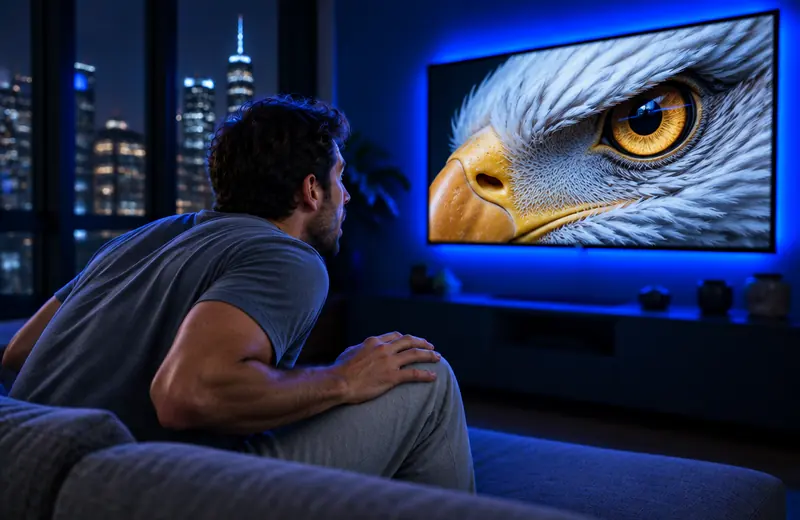
Live channels, plus movies and series you can start whenever you like.
-
Sharp HD and 4K
4K where the source offers it, and a picture that adjusts to your internet speed.
-
Every screen in the house
Up to 5 at once: the big TV, a stick, a tablet, a phone or a laptop.
-
Watching in minutes
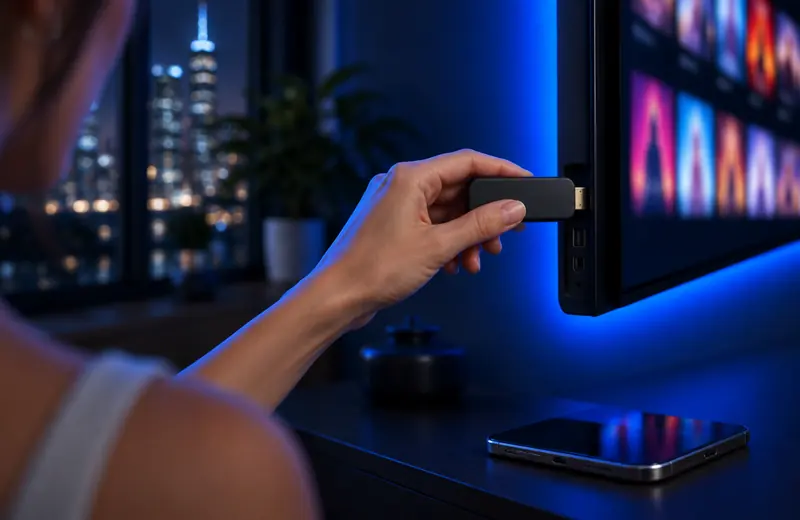
Plug in, install the player app, sign in. There’s a guide for each device.
-
Steady streams
Encrypted connections, and quick help if a channel drops.
-
Help in your language
English or Spanish, by WhatsApp or email, at any hour.




Three steps
How do I start watching IPTV?
In three steps and about 10 minutes, with no installer visit and no box to return.
-
Pick your plan
Choose 1 to 5 screens and a term from 1 to 12 months.
-
Check out securely
Pay by card or Klarna. Your login arrives by email within minutes.
-
Sign in and watch
Install the player app, enter your login and start streaming.
Is it safe to pay for IPTV online?
Yes, with TVStreamLab. Checkout runs on Stripe, so your card number never reaches us. Pay by card or with Klarna. If TVStreamLab isn’t right for you, ask for a refund within 30 days. We use your email and phone only to send your login and help you.
- Stripe checkout: card or Klarna
- 30-day money back: conditions on the refund page
- Private by default: used only to run your account
- Real people 24/7: in English and Spanish
IPTV, short for Internet Protocol Television, sends TV over your broadband as data instead of through a cable line, a satellite dish or an antenna. You add a player app to a smart TV, Fire TV Stick, phone or computer, sign in with the login your provider sends, and stream live channels, movies and series.
At TVStreamLab, $19.99 for 1 month on one screen. Longer plans cost less per month: $109.99 for 12 months works out to about $9.17 a month. Each plan is paid once, in US dollars, with no contract, no installation fee and no box to rent.
See all plansYes: 24 hours on one screen for new customers, with no card needed. Use it to test the picture on your own TV and internet, the apps and our support. Paid plans then carry a 30-day money-back guarantee.
Start your free trialFire TV Stick, Google TV and Android TV, Apple TV, iPhone and iPad, Samsung, LG and Hisense smart TVs, Nvidia Shield, MAG and Formuler boxes, and Windows or Mac computers. A Roku TV needs a Fire TV or Google TV stick in a spare HDMI port.
See setup guidesYes. TVStreamLab has a Spanish-language section with live TV, movies and series, the whole site is available in Spanish, and our support team answers in Spanish around the clock.
About 10 Mbps per screen for HD and 25 Mbps for 4K. Test the speed on the TV itself: Wi-Fi is often slower in the living room than next to the router.
Usually because of the home network. Restart the router and the device, move to 5 GHz Wi-Fi or a cable, and follow our buffering guide.
No. TVStreamLab works without one. If you use a VPN anyway, pick a fast server near you, because it can lower your speed.
Yes. It streams over the internet, so it works with any provider in all 50 states and DC, as long as the connection is steady.
No. You pay once for the term you pick, and we remind you before it ends. Nothing is charged without your OK.
From 1 to 5, depending on your plan. Each device playing at the same time counts as one screen.
Yes, 30 days. The conditions are on our refund page.
No. The longest plan is 12 months, so you never prepay more than a year.
Any time, 24/7, by WhatsApp or email, in English or Spanish.
Your login arrives by email within minutes of payment. Setup then takes about 10 minutes.
Yes. TVStreamLab has a sports category with live events and sports channels. What’s on changes over time and by plan, so use the 24-hour trial to check the sports you follow.
There’s no TVStreamLab app in the Roku store. The easiest way is to plug a Firestick or a Google TV streamer into your Roku TV; see our Roku guide.
No. A Firestick or an Android TV box turns any TV with an HDMI port into a smart TV for TVStreamLab.
The most popular IPTV players work with TVStreamLab, such as IPTV Smarters Pro, TiviMate and IBO Player. See IPTV apps compared.
Yes, on any internet connection, mobile data included. Streaming uses data, so Wi-Fi is better if your mobile plan has a cap.
A steady internet connection, one supported device and an email address. No dish, no cable line and no box to rent.
Where does IPTV work in the US?
Everywhere you have a steady internet connection. TVStreamLab works in all 50 states and DC, on any internet provider. TVStreamLab is an online service, with no local offices: the city pages below cover what can differ where you live, such as time zone, peak hours and data caps.
Choose your city to see its time zone and setup tips.
- IPTV New York City
- IPTV Los Angeles
- IPTV Chicago
- IPTV Houston
- IPTV Phoenix
- IPTV Philadelphia
- IPTV Dallas
- IPTV Miami
- IPTV Atlanta
- IPTV Seattle
- IPTV Denver
- IPTV Washington, DC
Show all 50 cities
- IPTV Albuquerque
- IPTV Anchorage
- IPTV Austin
- IPTV Baltimore
- IPTV Boston
- IPTV Charlotte
- IPTV Cincinnati
- IPTV Cleveland
- IPTV Columbus
- IPTV Detroit
- IPTV El Paso
- IPTV Fort Worth
- IPTV Fresno
- IPTV Honolulu
- IPTV Indianapolis
- IPTV Jacksonville
- IPTV Kansas City
- IPTV Las Vegas
- IPTV Louisville
- IPTV Memphis
- IPTV Milwaukee
- IPTV Minneapolis
- IPTV Nashville
- IPTV New Orleans
- IPTV Oklahoma City
- IPTV Orlando
- IPTV Pittsburgh
- IPTV Portland
- IPTV Raleigh
- IPTV Sacramento
- IPTV Salt Lake City
- IPTV San Antonio
- IPTV San Diego
- IPTV San Francisco
- IPTV San Jose
- IPTV St. Louis
- IPTV Tampa
- IPTV Tucson
How do I get the best picture from IPTV?
All articles
How do you set up IPTV on a Samsung Smart TV?
· 6 min read
Why does IPTV buffer, and how do you fix it?
· 7 min read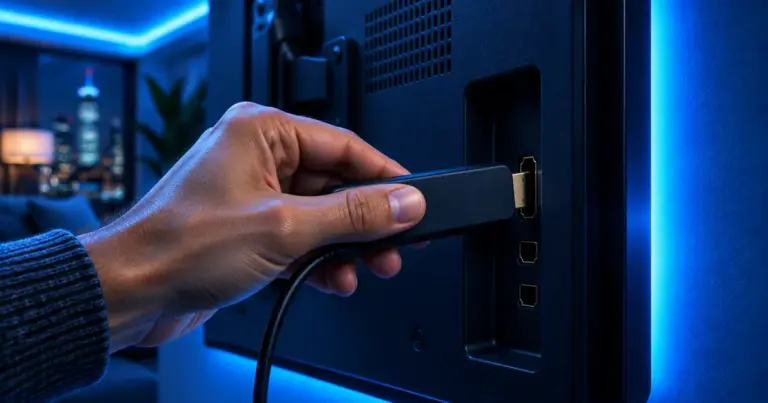
How do you install IPTV on a Fire TV Stick?
· 7 min readDrop the cable bill, keep the TV you love
Try TVStreamLab free for 24 hours, or pick a plan today. Your login arrives by email or WhatsApp.